
Master Power BI for Business Analytics
Learn Power BI from the ground up — import and shape data, build a model, write your first DAX measures and publish interactive reports for business users.
Start Learning
Join learners who transformed their careers with MITS Edge.
Program Overview
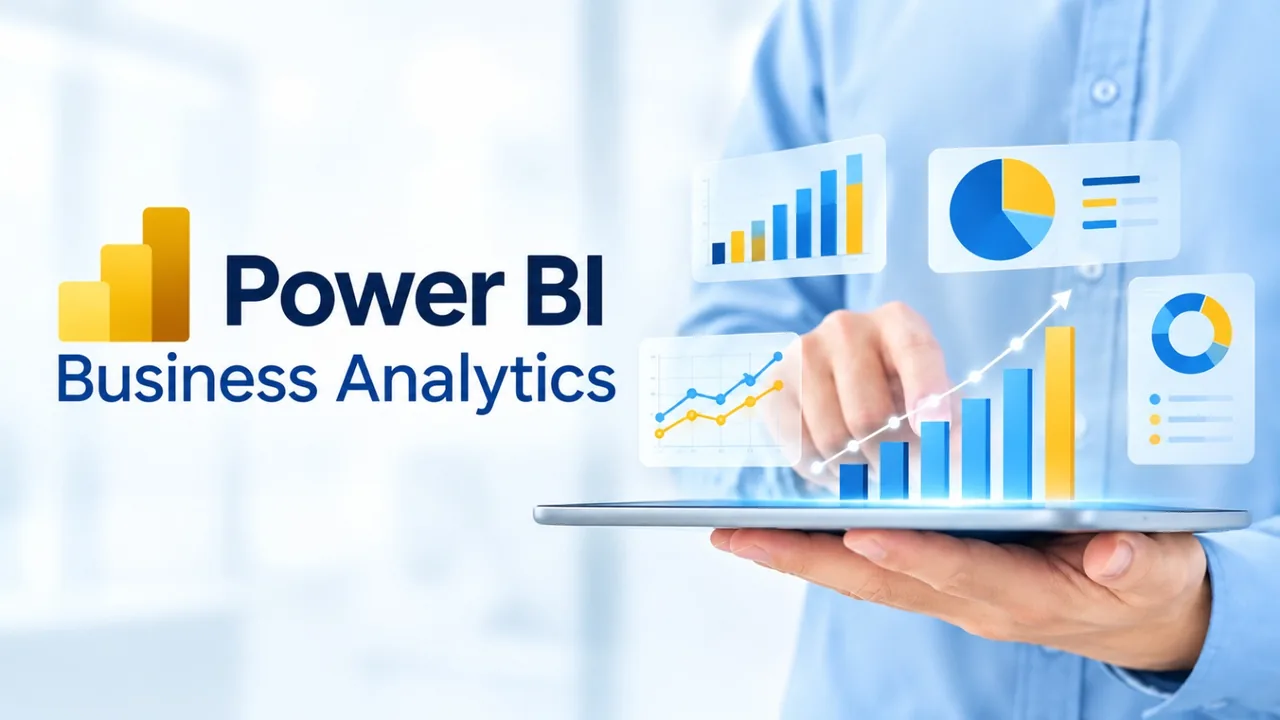
Power BI for Business Analytics is a beginner-level live online course running 6 weeks (42 hrs), priced at $500 USD, taught by instructors in evening and weekend cohorts for learners in the US and Canada, with a certificate of completion.
Learn Power BI from the ground up — import and shape data, build a model, write your first DAX measures and publish interactive reports for business users. What you will build: a sales performance report, a finance KPI dashboard and a published workspace app. Tools and technologies: Power BI Desktop, Power BI Service, Power Query, DAX, Excel. Format: 42 hours of live, instructor-led online training over about 6 weeks, in evening and weekend cohorts for learners in the US and Canada, with hands-on labs, recorded sessions and mentor support. Career pathways: Business Analyst, Reporting Analyst, Power BI Analyst (junior), Operations Analyst. Resume review and interview guidance are available to all learners.
Course Highlights
- 42 hours of live instructor-led training
- Hands-on labs and guided mini projects
- Tools: Power BI Desktop, Power BI Service, Power…
- Certificate of completion
- Career guidance for US & Canada job market
- Recorded sessions and mentor support
Minimum Requirements
- No prior experience required
- Laptop or desktop with stable internet
Who is this for ?
- Excel users moving to Power BI
- Business analysts building reports
- Managers who track KPIs
Curriculum
Course Curriculum
5 modules · 18 topics0 hours total
- 1Desktop and Service
- 2connecting to data
- 3the report canvas
Industry-Recognized
Certification
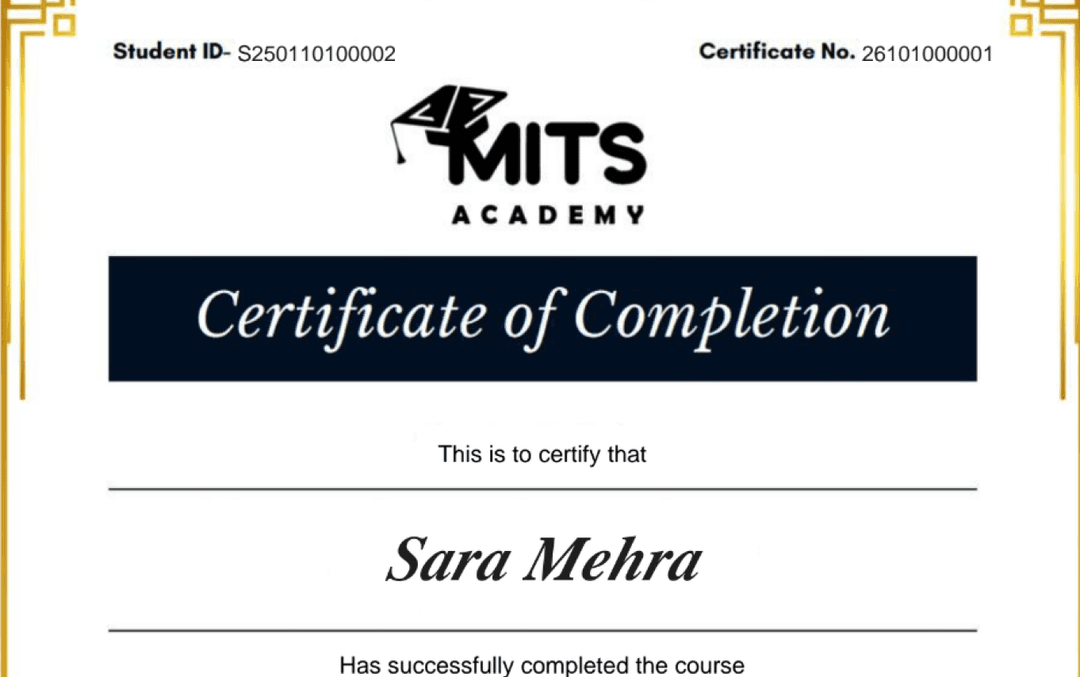
Upon successful completion, you receive a certificate of completion for the Power BI for Business Analytics program that you can share with employers and add to your LinkedIn profile — a record of the hands-on skills and projects you completed.
- Verifiable ID: Unique credential link for LinkedIn.
- Skill Validation: Proof of hands-on project completion.
- Corporate Branding: CO-branded with your company logo.
Student Reviews
Why learn this online
Business Intelligence and data warehousing sit at the center of how companies turn raw data into decisions. Learning tools like Power BI, Tableau, or a modern warehouse platform online, in a live cohort with real datasets, builds the dashboard and modeling portfolio hiring managers actually screen for — without needing a data science background.
Who this is for
- ✓Analysts wanting to specialize in dashboards and reporting
- ✓SQL-comfortable professionals moving into BI tooling
- ✓Career switchers targeting enterprise data roles
Career outcomes
- BI Developer
- BI Analyst
- Data Warehouse Engineer
- Reporting & Analytics Specialist
Frequently asked questions
How much does the Power BI for Business Analytics course cost?
The Power BI for Business Analytics course costs $500 (USD) for 6 Weeks (42 hrs) of live, instructor-led online training. The fee covers live classes, recorded sessions, hands-on projects, mentor support and the certificate of completion.
What projects will I build in Power BI for Business Analytics?
You will build a sales performance report, a finance KPI dashboard and a published workspace app.
Which tools and technologies does Power BI for Business Analytics cover?
Power BI for Business Analytics covers Power BI Desktop, Power BI Service, Power Query, DAX, Excel.
Is the Power BI for Business Analytics course online or in person?
The Power BI for Business Analytics program is delivered live and online with instructor-led sessions, so you can join from anywhere in the US, Canada, or beyond. Sessions are interactive and recordings are available for review.
How long is the Power BI for Business Analytics course?
The Power BI for Business Analytics program runs for 6 Weeks (42 hrs). Cohorts are scheduled in the evenings and on weekends to fit around a full-time job.
What level is the Power BI for Business Analytics course — is it suitable for beginners?
The Power BI for Business Analytics program is pitched at a beginner level. It is designed to be accessible to newcomers, starting from fundamentals.
Do I get a certificate after completing Power BI for Business Analytics?
Yes — you receive a verifiable certificate of completion for the Power BI for Business Analytics program, which you can share with employers and add to your LinkedIn profile.
Does the Power BI for Business Analytics course include placement or career support?
Yes. MITS Edge programs include career support — resume reviews, mock interviews, and job-search guidance aligned to the US and Canadian hiring markets.
Do I need any prior experience to join Power BI for Business Analytics?
Recommended prerequisites: No prior experience required; Laptop or desktop with stable internet.
Which BI tool should I learn first — Power BI or Tableau?
Power BI has the broadest enterprise adoption, especially in Microsoft-centric companies; Tableau is strong in analytics-heavy organizations. The underlying skills — data modeling, DAX/calculations, dashboard design — transfer between the two.
Do I need to know SQL for BI roles?
Yes, SQL is foundational for BI and data warehousing work — most programs teach it alongside the BI tool itself.
Related Courses
Data Visualization – Career Program
A career-focused data visualization program that combines design principles with Tableau, Power BI and Python charting to turn complex data into dashboards that drive decisions.
Data Visualization Essentials
Learn to turn raw numbers into clear, persuasive visuals — chart selection, dashboard design and storytelling — using Excel and modern BI tools.
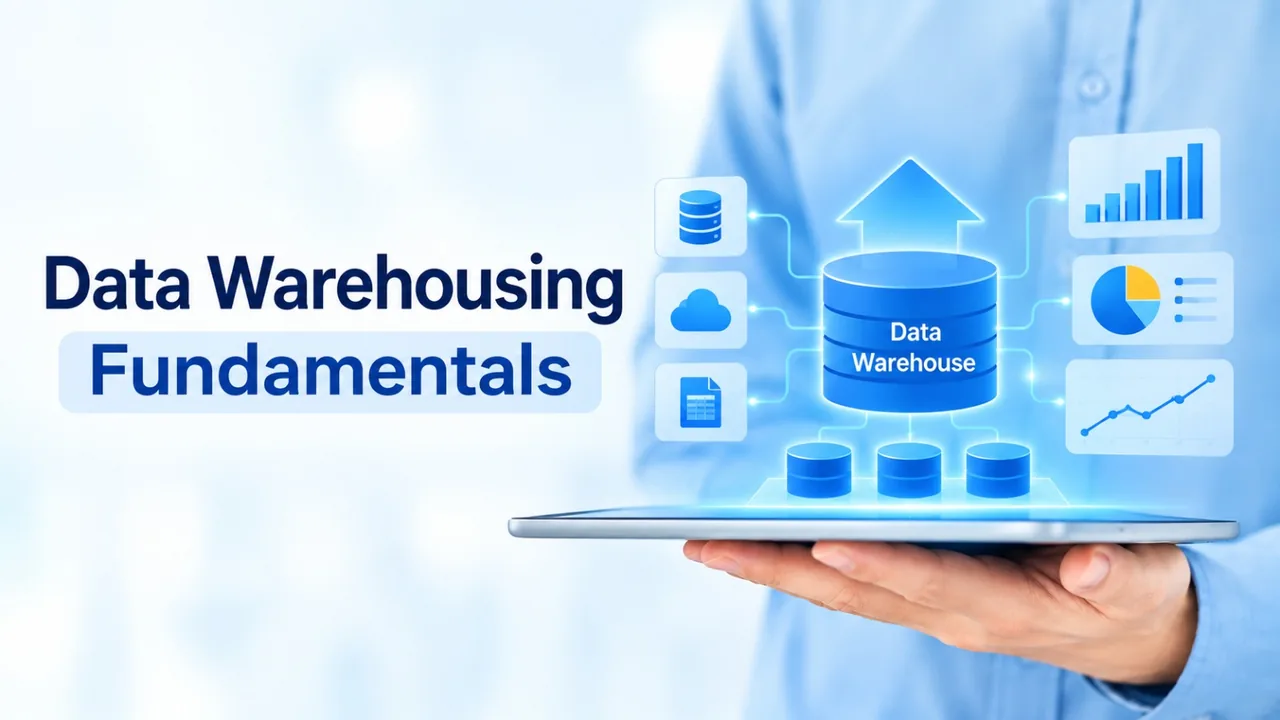
Data Warehousing Fundamentals
Understand how enterprise data warehouses are designed and built — architecture, ETL, dimensional design and the modern cloud warehouse landscape.
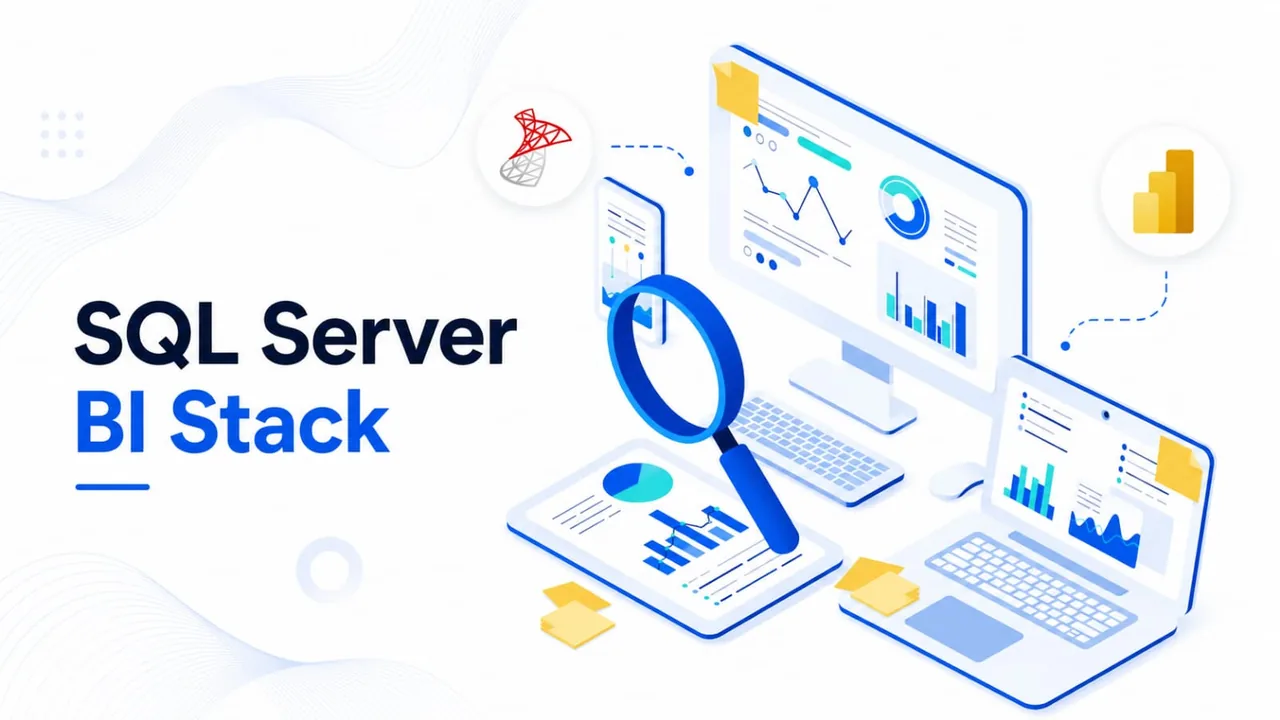
SQL Server BI Stack (SSIS, SSAS, SSRS)
Build end-to-end Microsoft BI solutions: ETL with SSIS, analytical models with SSAS and paginated reports with SSRS on SQL Server.