
Master Bootstrap Responsive Web Design
Build clean, responsive websites quickly with Bootstrap 5 — grid, components, utilities and customisation — on top of solid HTML and CSS skills.
Start Learning
Join learners who transformed their careers with MITS Edge.
Program Overview
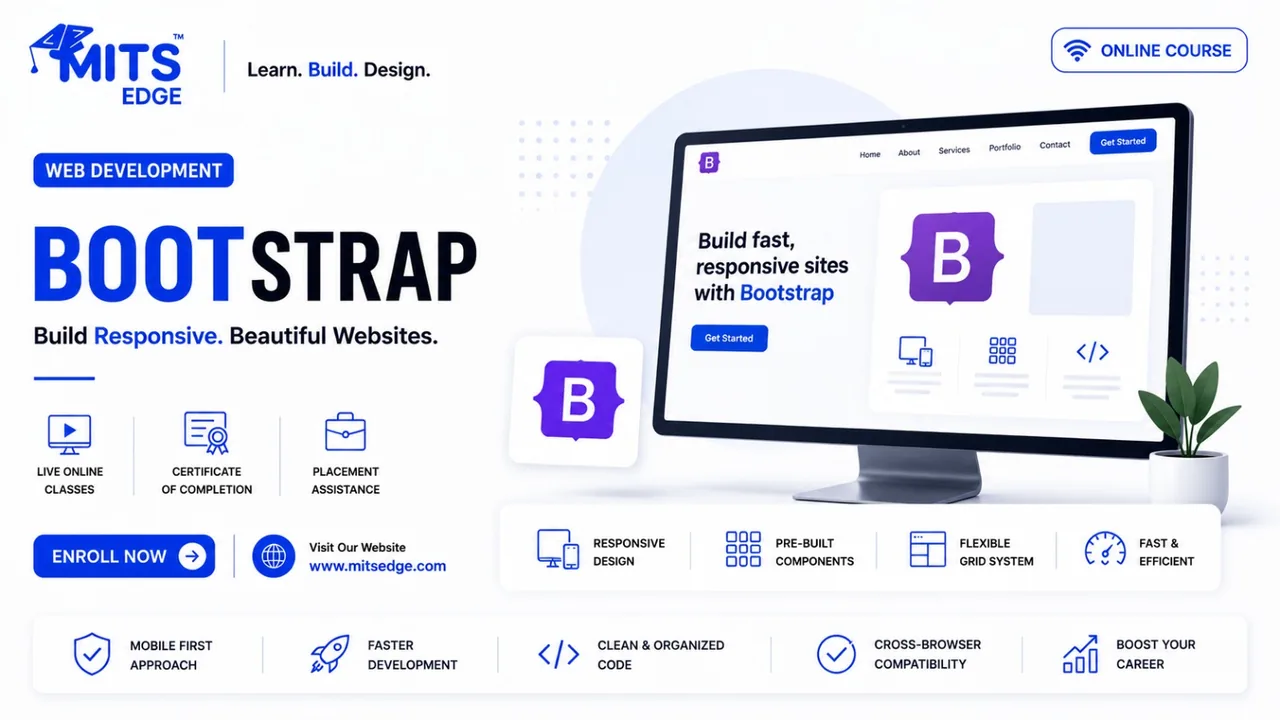
Bootstrap Responsive Web Design is a beginner-level live online course running 4 weeks (30 hrs), priced at $450 USD, taught by instructors in evening and weekend cohorts for learners in the US and Canada, with a certificate of completion.
Build clean, responsive websites quickly with Bootstrap 5 — grid, components, utilities and customisation — on top of solid HTML and CSS skills. What you will build: a responsive marketing landing page and a multi-page business website. Tools and technologies: Bootstrap 5, HTML5, CSS3, Sass (intro), VS Code, Chrome DevTools. Format: 30 hours of live, instructor-led online training over about 4 weeks, in evening and weekend cohorts for learners in the US and Canada, with hands-on labs, recorded sessions and mentor support. Career pathways: Junior Web Developer, Frontend Developer (entry), Web Designer, WordPress Theme Assistant. Resume review and interview guidance are available to all learners.
Course Highlights
- 30 hours of live instructor-led training
- Hands-on labs and guided mini projects
- Tools: Bootstrap 5, HTML5, CSS3
- Certificate of completion
- Career guidance for US & Canada job market
- Recorded sessions and mentor support
Minimum Requirements
- No prior experience required
- Laptop or desktop with stable internet
Who is this for ?
- Beginners building their first websites
- Designers who want faster front-end builds
- Small-business owners maintaining their sites
Curriculum
Course Curriculum
5 modules · 21 topics0 hours total
- 1Setup
- 2containers
- 3the 12-column grid
- 4breakpoints
Industry-Recognized
Certification
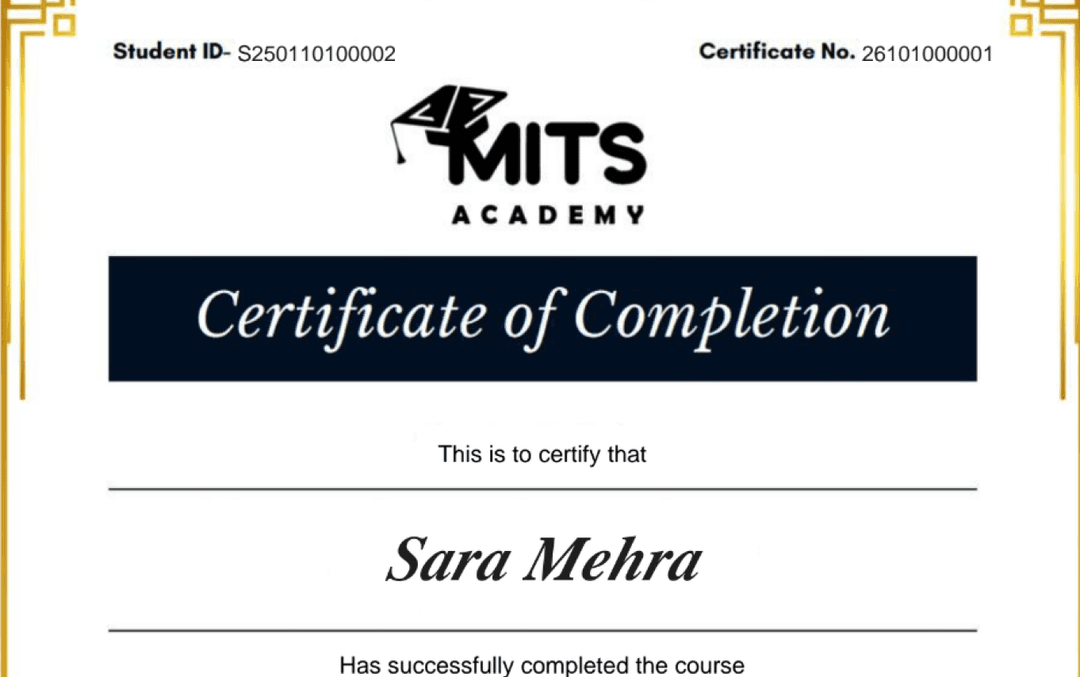
Upon successful completion, you receive a certificate of completion for the Bootstrap Responsive Web Design program that you can share with employers and add to your LinkedIn profile — a record of the hands-on skills and projects you completed.
- Verifiable ID: Unique credential link for LinkedIn.
- Skill Validation: Proof of hands-on project completion.
- Corporate Branding: CO-branded with your company logo.
Student Reviews
Why learn this online
Front-end and web development are the most visible, portfolio-friendly skills in tech — every project you build is something you can show a hiring manager or client directly. Learning online with live instruction and real frameworks (React, Vue, Angular, or plain HTML/CSS/JS) gets you to a deployable, demo-able portfolio faster than almost any other track.
Who this is for
- ✓Visual thinkers who like building interfaces
- ✓Career switchers wanting a fast, tangible portfolio
- ✓Designers wanting to add coding skills
Career outcomes
- Front-End Developer
- Web Developer
- UI Engineer
- Freelance Web Developer
Frequently asked questions
How much does the Bootstrap Responsive Web Design course cost?
The Bootstrap Responsive Web Design course costs $450 (USD) for 4 Weeks (30 hrs) of live, instructor-led online training. The fee covers live classes, recorded sessions, hands-on projects, mentor support and the certificate of completion.
What projects will I build in Bootstrap Responsive Web Design?
You will build a responsive marketing landing page and a multi-page business website.
Which tools and technologies does Bootstrap Responsive Web Design cover?
Bootstrap Responsive Web Design covers Bootstrap 5, HTML5, CSS3, Sass (intro), VS Code, Chrome DevTools.
Is the Bootstrap Responsive Web Design course online or in person?
The Bootstrap Responsive Web Design program is delivered live and online with instructor-led sessions, so you can join from anywhere in the US, Canada, or beyond. Sessions are interactive and recordings are available for review.
How long is the Bootstrap Responsive Web Design course?
The Bootstrap Responsive Web Design program runs for 4 Weeks (30 hrs). Cohorts are scheduled in the evenings and on weekends to fit around a full-time job.
What level is the Bootstrap Responsive Web Design course — is it suitable for beginners?
The Bootstrap Responsive Web Design program is pitched at a beginner level. It is designed to be accessible to newcomers, starting from fundamentals.
Do I get a certificate after completing Bootstrap Responsive Web Design?
Yes — you receive a verifiable certificate of completion for the Bootstrap Responsive Web Design program, which you can share with employers and add to your LinkedIn profile.
Does the Bootstrap Responsive Web Design course include placement or career support?
Yes. MITS Edge programs include career support — resume reviews, mock interviews, and job-search guidance aligned to the US and Canadian hiring markets.
Do I need any prior experience to join Bootstrap Responsive Web Design?
Recommended prerequisites: No prior experience required; Laptop or desktop with stable internet.
Which framework should I learn first — React, Vue, or Angular?
React has the largest job market and hiring demand in North America; Vue and Angular are strong in specific enterprise niches. The underlying JavaScript and component concepts transfer between all three.
Do I need to know backend development to be a web developer?
Not to start. Many front-end roles focus purely on the browser experience, though pairing front-end skills with basic backend/API knowledge (full-stack) widens your job options.
Related Courses
Vue.js Essentials
A friendly introduction to Vue.js — templates, reactivity, components and routing — building your first interactive single-page applications.
WordPress Website Development
Build and manage professional websites with WordPress — themes, plugins, WooCommerce, SEO basics and security — without needing to code from scratch.
HTML5, CSS3 & JavaScript Fundamentals
Start web development the right way — semantic HTML5, modern CSS3 layouts and core JavaScript — and build responsive websites from scratch.
React.js Complete Guide
Master React from first component to production — hooks, routing, state management, data fetching and testing — and build polished single-page applications.