
Master React Native for Mobile Apps
Use your React skills to build native iOS and Android apps with React Native — navigation, device APIs, state management and publishing.
Start Learning
Join learners who transformed their careers with MITS Edge.
Program Overview

React Native for Mobile Apps is an intermediate-level live online course running 9 weeks (66 hrs), priced at $800 USD, taught by instructors in evening and weekend cohorts for learners in the US and Canada, with a certificate of completion.
Use your React skills to build native iOS and Android apps with React Native — navigation, device APIs, state management and publishing. What you will build: a social-feed app, a map-based location app and a published-style capstone. Tools and technologies: React Native, Expo, TypeScript, React Navigation, Redux Toolkit, REST APIs, Firebase (intro). Format: 66 hours of live, instructor-led online training over about 9 weeks, in evening and weekend cohorts for learners in the US and Canada, with hands-on labs, recorded sessions and mentor support. Career pathways: React Native Developer, Mobile App Developer, Frontend Developer (mobile), Software Engineer. Resume review and interview guidance are available to all learners.
Course Highlights
- 66 hours of live instructor-led training
- Hands-on projects and real-world labs
- Tools: React Native, Expo, TypeScript
- Certificate of completion
- Career guidance for US & Canada job market
- Recorded sessions and mentor support
Minimum Requirements
- JavaScript and basic React
- Laptop or desktop with stable internet
Who is this for ?
- React developers entering mobile
- JavaScript developers building apps
- Startup teams sharing code across platforms
Curriculum
Course Curriculum
5 modules · 20 topics0 hours total
- 1Expo setup
- 2core components
- 3styling with Flexbox
Industry-Recognized
Certification
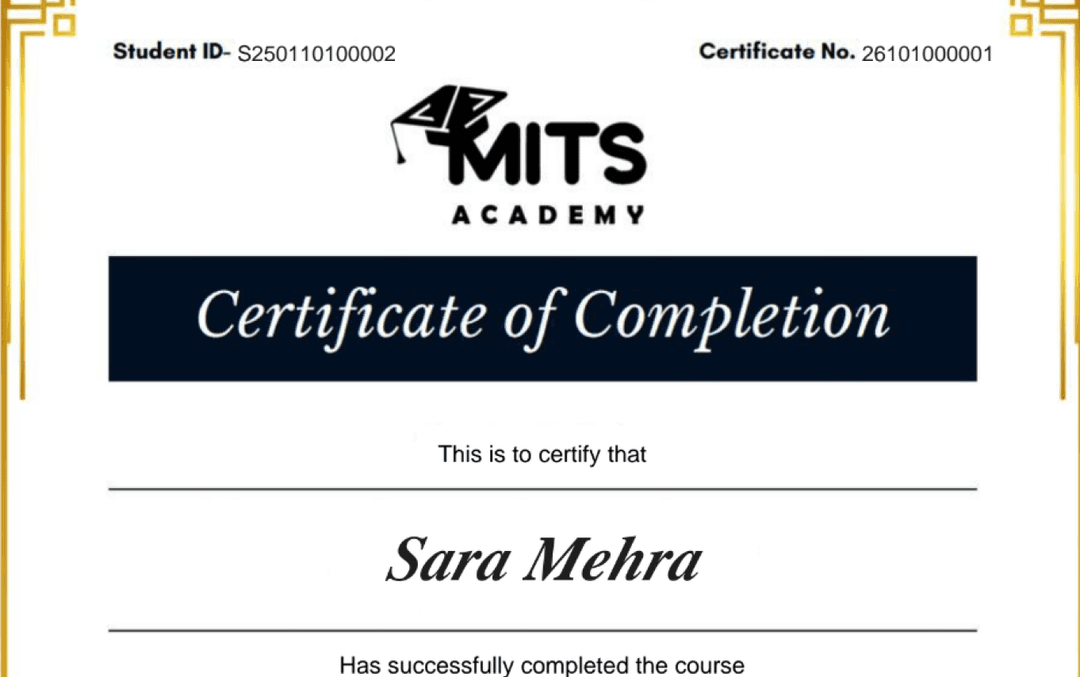
Upon successful completion, you receive a certificate of completion for the React Native for Mobile Apps program that you can share with employers and add to your LinkedIn profile — a record of the hands-on skills and projects you completed.
- Verifiable ID: Unique credential link for LinkedIn.
- Skill Validation: Proof of hands-on project completion.
- Corporate Branding: CO-branded with your company logo.
Student Reviews
Why learn this online
Mobile development remains in steady demand as companies invest in native and cross-platform apps. Learning online with live, project-based instruction — building and shipping a real app during the course — gives you the portfolio evidence mobile hiring managers look for, whether you specialize in iOS, Android, or a cross-platform framework like Flutter or React Native.
Who this is for
- ✓Developers wanting to specialize in mobile
- ✓Career switchers who want to ship a real app fast
- ✓Web developers adding mobile skills
Career outcomes
- Mobile Developer
- iOS Developer
- Android Developer
- Cross-Platform App Developer
Frequently asked questions
How much does the React Native for Mobile Apps course cost?
The React Native for Mobile Apps course costs $800 (USD) for 9 Weeks (66 hrs) of live, instructor-led online training. The fee covers live classes, recorded sessions, hands-on projects, mentor support and the certificate of completion.
What projects will I build in React Native for Mobile Apps?
You will build a social-feed app, a map-based location app and a published-style capstone.
Which tools and technologies does React Native for Mobile Apps cover?
React Native for Mobile Apps covers React Native, Expo, TypeScript, React Navigation, Redux Toolkit, REST APIs, Firebase (intro).
Is the React Native for Mobile Apps course online or in person?
The React Native for Mobile Apps program is delivered live and online with instructor-led sessions, so you can join from anywhere in the US, Canada, or beyond. Sessions are interactive and recordings are available for review.
How long is the React Native for Mobile Apps course?
The React Native for Mobile Apps program runs for 9 Weeks (66 hrs). Cohorts are scheduled in the evenings and on weekends to fit around a full-time job.
What level is the React Native for Mobile Apps course — is it suitable for beginners?
The React Native for Mobile Apps program is pitched at a intermediate level. Some prior familiarity helps, and the curriculum builds toward job-ready skills.
Do I get a certificate after completing React Native for Mobile Apps?
Yes — you receive a verifiable certificate of completion for the React Native for Mobile Apps program, which you can share with employers and add to your LinkedIn profile.
Does the React Native for Mobile Apps course include placement or career support?
Yes. MITS Edge programs include career support — resume reviews, mock interviews, and job-search guidance aligned to the US and Canadian hiring markets.
Do I need any prior experience to join React Native for Mobile Apps?
Recommended prerequisites: JavaScript and basic React; Laptop or desktop with stable internet.
Should I learn native (iOS/Android) or cross-platform (Flutter/React Native)?
Cross-platform frameworks let you target both iOS and Android from one codebase and are faster to learn and ship with; native development gives deeper platform control and is preferred for performance-critical or platform-specific apps.
Do I need a Mac to build iOS apps?
Yes, iOS development and app-store submission require Xcode, which only runs on macOS. Cross-platform frameworks reduce but don’t fully eliminate this requirement.
Related Courses
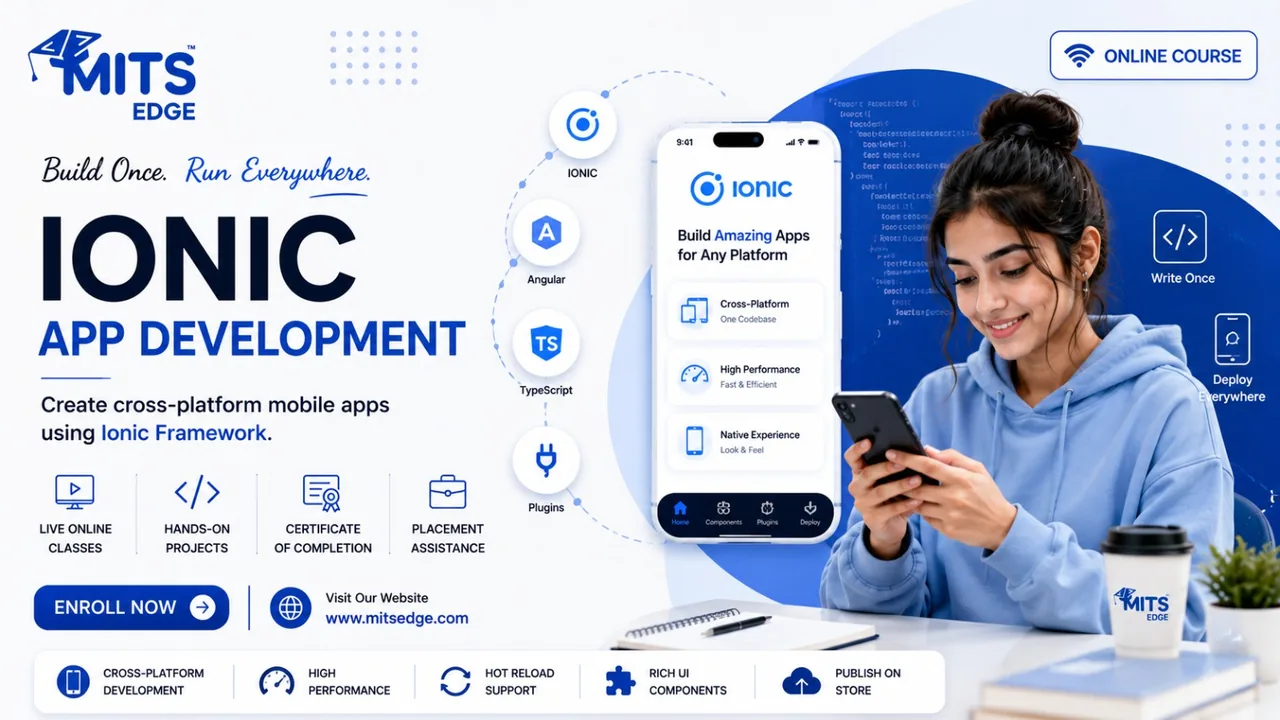
Ionic Cross-Platform App Development
Build cross-platform mobile and web apps with Ionic and Capacitor — one web-tech codebase delivering iOS, Android and PWA experiences.

iOS Development with Swift
Build native iPhone apps with Swift and SwiftUI — language fundamentals, UI, data persistence, networking and App Store readiness.

Android App Development with Kotlin
Build modern Android apps with Kotlin and Jetpack Compose — UI, architecture, Room, networking and publishing basics.

Flutter & Dart – Cross-Platform Apps
Build beautiful iOS and Android apps from a single codebase with Flutter and Dart — widgets, state management, APIs and Firebase.